 Sign Instead of
  Sign After Attach
Issue
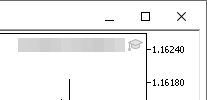
After attaching to chart the EA is not managing trades, a sign appears in the top right corner of the chart.
EA's common and dependencies parameters might be not enabled
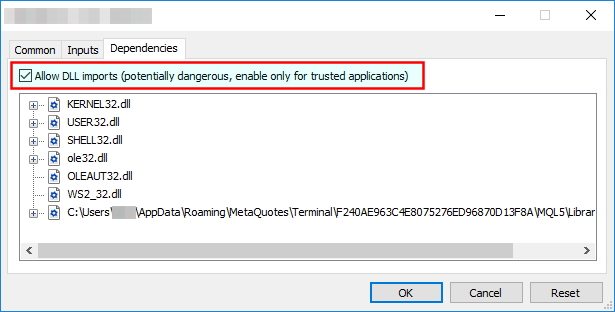
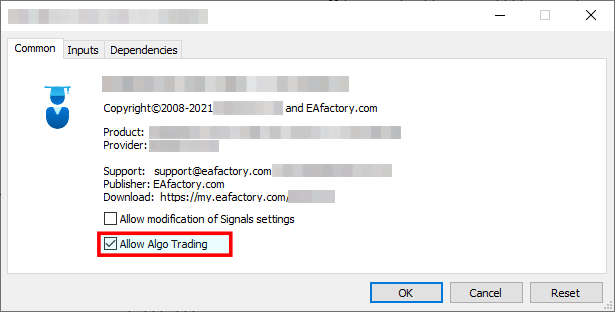
The Allow Automated Trading and Allow DLL imports might be not enabled
Procedure
Press F7 key and verify that the Allow Automated Trading and Allow DLL imports are checked in the EA property dialog.
Algo Trading is disabled
The Algo Trading might be disabled
Procedure
Verify that the toolbar button Algo Trading is pressed.
Toolbar button when Expert Advisors are disabled:

Click on the button to enable all the Expert Advisors:
